Quivry 1.0.7 is live on the App Store.
This release brings 1 change: Improvements. Below is what each one does, where the update is available, and how to get it.
Availability
- App Store (iPhone): 1.0.7, live since 30 October 2026
- Google Play (Android): coming soon
Improvements
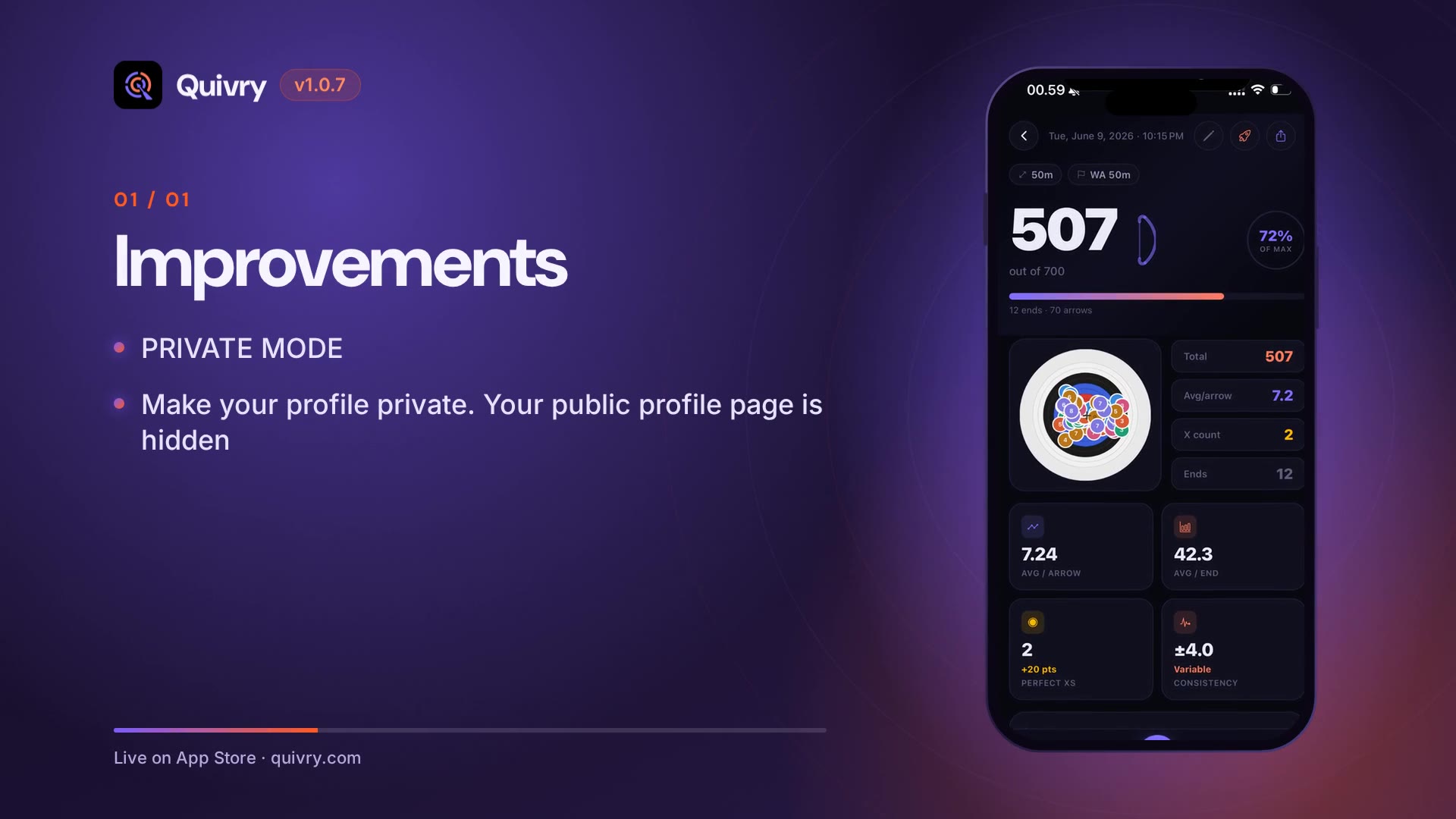
- PRIVATE MODE
- Make your profile private. Your public profile page is hidden, and you're left out of the global and club leaderboards and global rank. Other archers see "This profile is private".
- Your club admins can still see your club stats, so training together keeps working.
- YOU CHOOSE WHAT'S SHARED
- New "Share target photos" setting, off by default. Turn it on to let your end photos help improve Quivry's arrow detection. Your photos are saved with your sessions either way.
- SCORE ANYWHERE, EVEN OFFLINE
- Quivry now opens and works with no connection. Your stats, monthly report and profile load from your phone and refresh when you're back online.
- Finish a session with no signal and it's saved as a full session, with your stats worked out right on your phone. No more waiting to sync.
- Unfinished quick scans are kept as drafts, offline too.
- Leave in the middle of an end and the arrows you've already scored stay in your draft.
- SMARTER SCORING
- Switch to a saved round, or create a new one, partway through a session.
- Upload a target photo and Quivry recognises which face it is. Not quite right? Change the face with one tap on the scoring screen.
- Undoing an end now asks you to confirm first, so a stray tap can't wipe your arrows.
- SEE WHERE YOUR ARROWS LAND
- Heatmaps for each target face on the leaderboard preview: 10-ring, 6-ring, 5-ring and 3-spot.
- FOR COACHES
- A new setup right after you subscribe to Coach: name your club, pick where you train, add a banner photo, then copy or share your invite code in one tap.
- FIXES AND POLISH
- Arrow scores no longer disappear after you change the round.
- Fixed Quivry sometimes thinking you were offline when you had a connection.
- A cleaner Sessions screen without the offline banner.
- Thanks for shooting with Quivry!
How to update
- iPhone: open the App Store, tap your profile picture and update Quivry — or open Quivry on the App Store. Needs iOS 15.1 or later.
- Android: coming to Google Play soon; this page is updated as soon as it's live.
Spotted something, or have an idea for the next release? Send it from Profile ▸ Report & Feedback in the app — every note is read by the team.